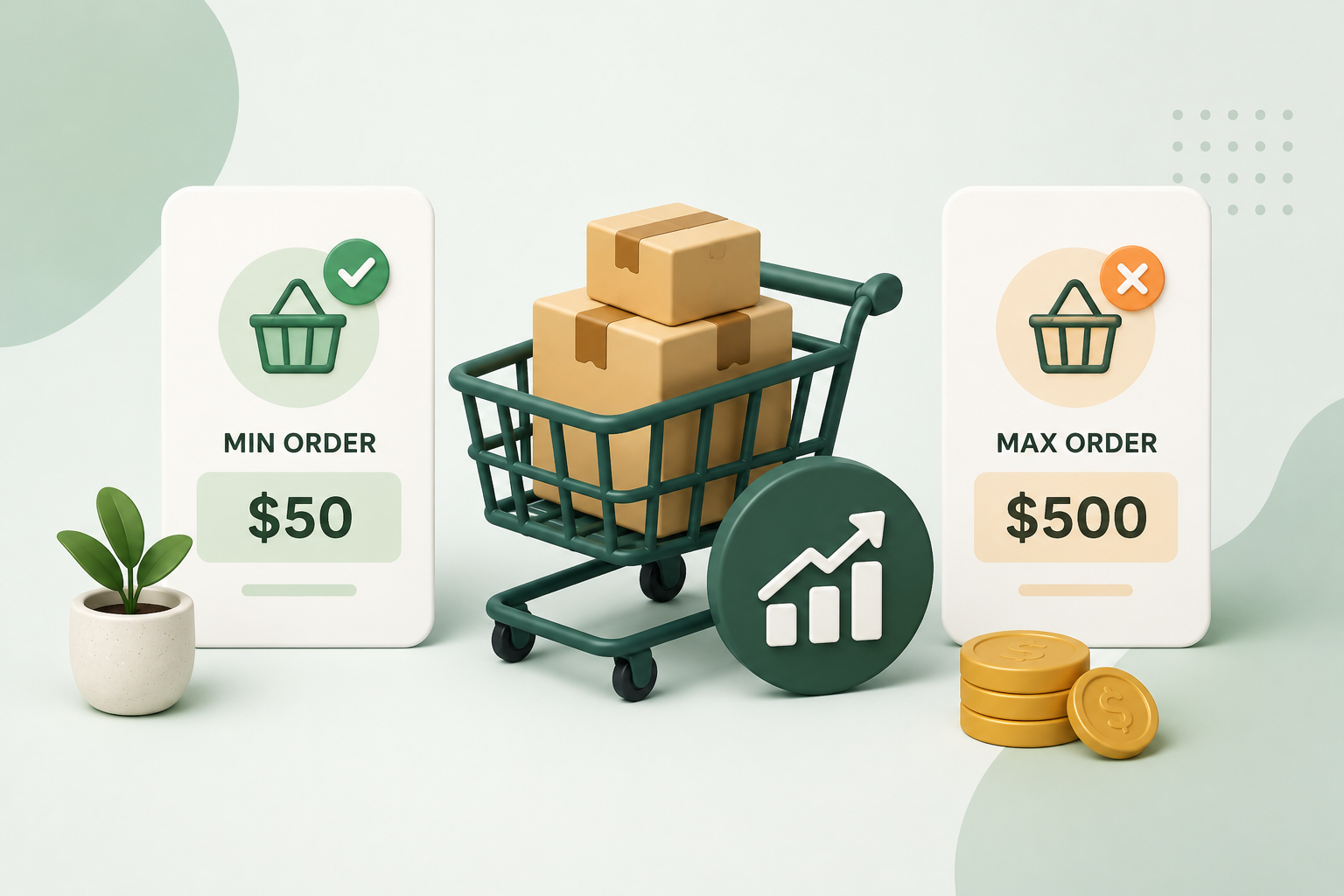
Running a WooCommerce store isn’t just about getting more orders — it’s about getting the right orders.
Because not all orders are profitable.
Some customers:
- Place very small orders that cost more to ship than they earn
- Order excessive quantities that disrupt your inventory
- Create inconsistent order patterns that slow down operations
And WooCommerce doesn’t give you built-in control over this.
That’s where Min and Max Order total, quantity for WooCommerce becomes essential.
The Hidden Problem in Most WooCommerce Stores
At first, more orders seem like a good thing.
But look closer.
❌ Low-Value Orders
₹100 order + ₹80 shipping + packing cost = almost no profit
❌ Bulk Over-Ordering
One customer buys too much → stock shortages for others
❌ Operational Chaos
- Too many small orders
- Inconsistent cart sizes
- Higher processing workload
Result: Lower efficiency, lower profit
What Smart Store Owners Do Differently
Instead of accepting every order blindly, successful stores:
✔ Set minimum order values
✔ Control product quantities
✔ Define purchase limits
They control demand — not just react to it
What Makes This Plugin a Must-Have?
Min and Max Order total, quantity for WooCommerce gives you full control over how customers place orders.
You can:
- Prevent unprofitable orders
- Protect inventory
- Create a structured buying experience
Key Benefits That Directly Increase Profit
1. Eliminate Low-Value Orders
Set a minimum order amount like:
“Minimum order ₹500”
Now every order contributes meaningfully to your revenue.
2. Prevent Bulk Abuse
Set limits like:
“Maximum 10 items per product”
This ensures:
- Fair stock distribution
- Better inventory control
3. Improve Profit Margins
By filtering out inefficient orders, you:
- Reduce shipping losses
- Increase average order value
4. Create a Better Shopping Experience
Clear rules = better clarity
Customers know:
- Minimum they need to spend
- Maximum they can order
No confusion during checkout
5. Streamline Operations
Balanced orders = smoother workflow
- Easier packing
- Predictable inventory
- Faster fulfillment
Real Business Use Cases
🛒 Small Online Stores
Avoid small orders that eat into margins
🏬 Wholesale Businesses
Control bulk buying behavior
🍔 Food Delivery
Set minimum order for delivery eligibility
📦 Inventory-Based Stores
Prevent stock depletion from a single buyer
Before vs After Using Order Limits
❌ Before:
- Random order sizes
- Low profitability
- High operational effort
✅ After:
- Structured orders
- Higher margins
- Efficient workflow
That’s a direct business upgrade
Easy Setup — No Coding Needed
You don’t need to:
- Edit WooCommerce core files
- Add complex PHP snippets
- Hire a developer
Everything works through simple settings.
Flexible Rules for Full Control
You can define rules based on:
- Cart total
- Product quantity
- Categories
- Specific products
This gives you complete flexibility
Why This Plugin Improves Conversions (Yes, Really)
It might sound surprising — but adding restrictions can actually improve conversions.
How?
- Customers understand expectations clearly
- Checkout becomes predictable
- No last-minute confusion
Clear rules = smoother buying experience
When Should You Use This Plugin?
You should use it if:
- You want to increase profit margins
- You face too many small orders
- You need inventory control
- You run a wholesale or bulk store
- You want structured order flow
Frequently asked questions
Q: Can I set both minimum and maximum order values?
A: Yes, you can define both limits to control order size effectively.
Q: Will customers see messages if limits are not met?
A: Yes, clear error messages guide users during checkout.
Q: Can I apply limits to specific products only?
A: Yes, rules can be applied at product or category level.
Q: Does this affect WooCommerce pricing?
A: No, it only controls order conditions, not pricing logic.
Q: Is it suitable for small stores?
A: Yes, it’s especially useful for small stores to maintain profitability.