Your checkout process can either convert customers… or drive them away.
And one of the biggest friction points in WooCommerce is this:
Customers are forced to ship everything to one address only.
That might work for simple purchases — but today’s customers expect more flexibility.
Whether it’s gifting, bulk orders, or multi-location delivery, modern buyers want convenience.
In this article, we’ll explore why adding multi-address functionality is essential — and how Smart Addresses for WooCommerce helps you create a better, more conversion-friendly checkout experience.
The Checkout Problem Most Stores Ignore
Many store owners focus on:
- Product pages
- Pricing
- Marketing
But overlook checkout flexibility.
Here’s what happens without multi-address support:
- Customers must place multiple orders
- They re-enter the same details repeatedly
- The process becomes slow and frustrating
Result: Cart abandonment increases
What Customers Expect Today
Customer behavior has changed.
People now shop for:
- Friends and family
- Teams and offices
- Events and occasions
And they expect your store to support that.
Common expectations
- Save multiple addresses
- Deliver items to different locations
- Complete everything in one checkout
If your store can’t do this — they may leave.
What Makes Smart Addresses for WooCommerce Different?
Instead of limiting checkout, Smart Addresses for WooCommerce expands it.
It allows customers to:
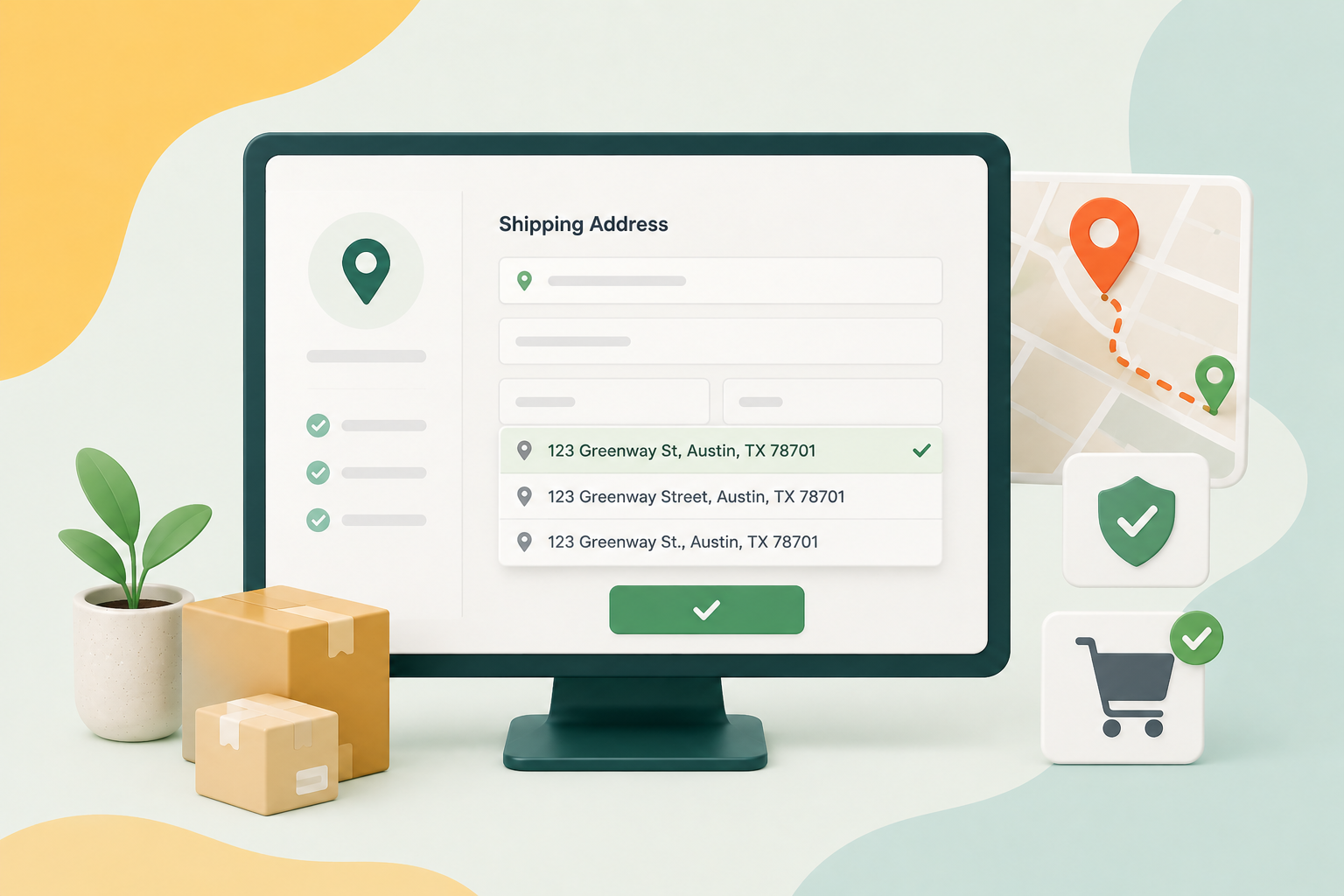
- Store multiple shipping addresses
- Assign products to different locations
- Complete orders in one go
This creates a smoother and more powerful shopping experience.
Key Benefits That Increase Conversions
1. One Order, Multiple Deliveries
Customers can:
- Buy multiple products
- Send them to different addresses
- Complete everything in a single checkout
This removes the need for multiple transactions.
2. Faster Checkout Experience
Saved addresses = fewer steps.
Customers don’t need to:
- Re-enter details
- Fill forms repeatedly
Faster checkout = higher conversion rate
3. Perfect for Gifting & Special Occasions
During festivals, birthdays, or holidays:
Customers often send items to multiple people.
Instead of:
❌ Placing multiple orders
They can:
✅ Complete everything in one order
4. Boost Average Order Value
When customers can manage multiple deliveries easily, they’re more likely to:
- Add more products
- Order for multiple recipients
Result: Higher order value
5. Improve Customer Satisfaction
Convenience builds loyalty.
When your checkout feels easy:
- Customers trust your store more
- They return for future purchases
Real Business Use Cases
🎁 Gift Stores
Allow customers to send gifts to multiple recipients in one checkout.
🏢 Corporate Orders
Deliver products to:
- Employees
- Offices
- Branch locations
📦 Bulk Orders
Split large orders across different destinations.
🛍️ Multi-Location Customers
Support users who regularly ship to:
Before vs After Using Smart Addresses
❌ Before:
- One address per order
- Multiple checkouts
- Frustration
✅ After:
- Multiple addresses
- One checkout
- Smooth experience
That difference directly impacts conversions.
Easy Setup, No Technical Hassle
One of the biggest advantages of Smart Addresses for WooCommerce is how simple it is to implement.
You don’t need:
- Custom development
- Complex integrations
- Technical expertise
Everything is designed to work seamlessly with your WooCommerce store.
Flexible Address Management
The plugin gives you full control:
- Customers can add/edit addresses
- Save frequently used locations
- Select addresses during checkout
This creates a personalized shopping experience.
Why Store Owners Choose This Solution
Instead of forcing customers into a rigid checkout flow, this plugin:
- Adapts to real-world buying behavior
- Reduces friction
- Improves usability
And most importantly — helps turn more visitors into customers.
When Should You Use Smart Addresses?
This plugin is ideal if you:
- Sell gifts or event-based products
- Handle bulk or corporate orders
- Want to improve checkout UX
- Target repeat customers
- Want to increase average order value
Frequently asked questions
Q: Can customers ship to multiple addresses in one order?
A: Yes, with Smart Addresses for WooCommerce, customers can assign different products to different addresses in a single checkout.
Q: Does this reduce checkout time?
A: Yes, saved addresses and simplified flow make checkout faster and easier.
Q: Is it useful for corporate or bulk orders?
A: Absolutely. It’s ideal for businesses that need to ship items to multiple locations.
Q: Can users save multiple addresses?
A: Yes, customers can store and reuse multiple shipping addresses.
Q: Will this help increase sales?
A: Yes, by reducing friction and enabling larger orders, it can improve conversions and average order value.