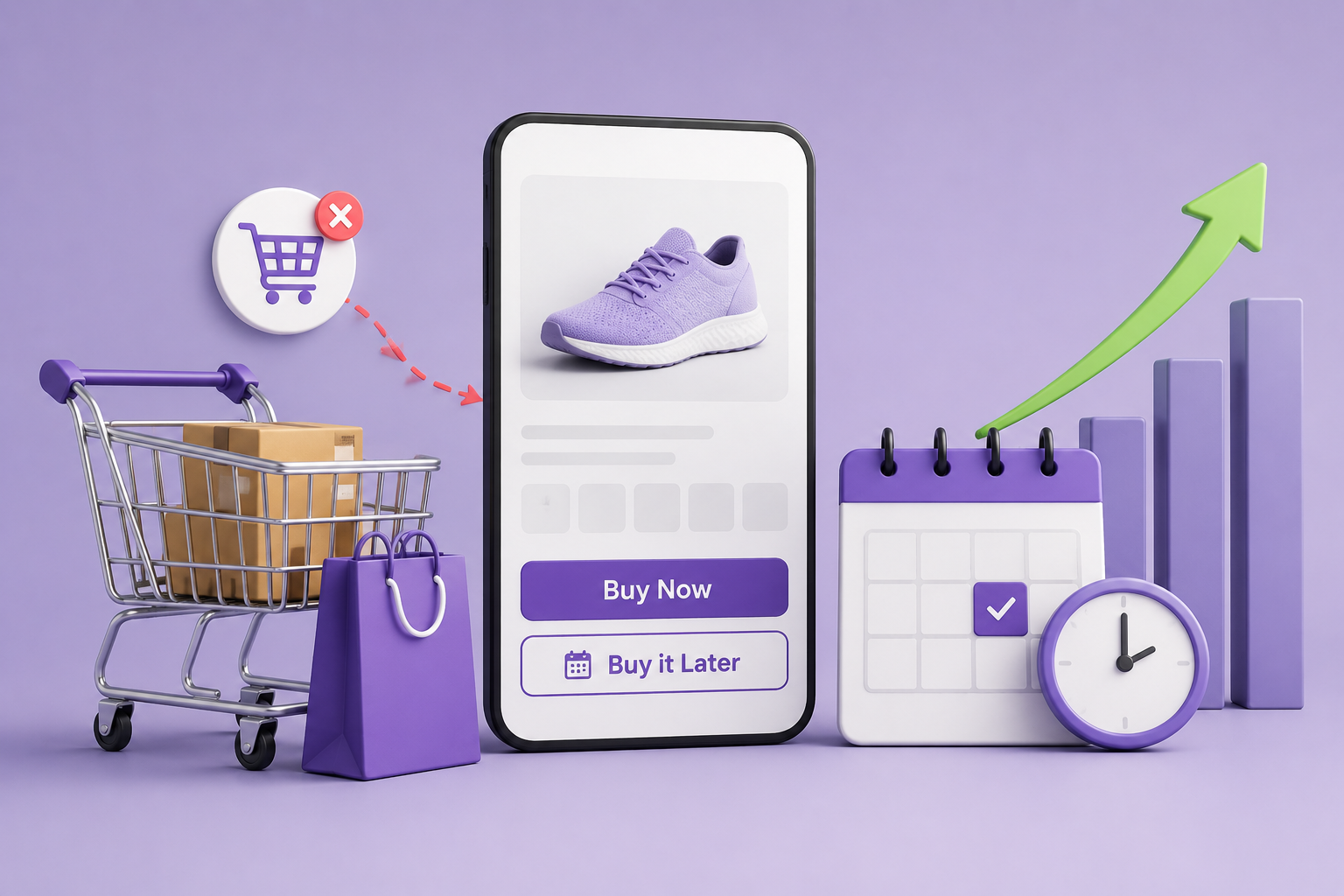
Not every customer is ready to purchase immediately.
Sometimes they:
- Want to think before buying
- Need to compare products
- Plan to purchase later
- Get distracted during checkout
And when that happens…
They leave — and often never come back.
This is one of the biggest reasons behind cart abandonment in WooCommerce.
But what if you could give customers an option to:
Save products and buy later easily?
That’s exactly what a “Buy it Later” feature does.
Why Customers Don’t Buy Immediately
Before solving the problem, let’s understand it.
Common reasons:
- “I’ll buy this later”
- “Let me check other options”
- “Not ready right now”
- “I need approval (family/business)”
Without a way to save products:
❌ Customers forget
❌ They lose interest
❌ You lose sales
Default WooCommerce Limitation
WooCommerce offers:
- Add to cart
- Wishlist (with plugins)
But it does NOT provide:
- “Buy Later” functionality
- Cart-saving for future purchase
- Seamless delayed checkout option
What Is “Buy it Later”?
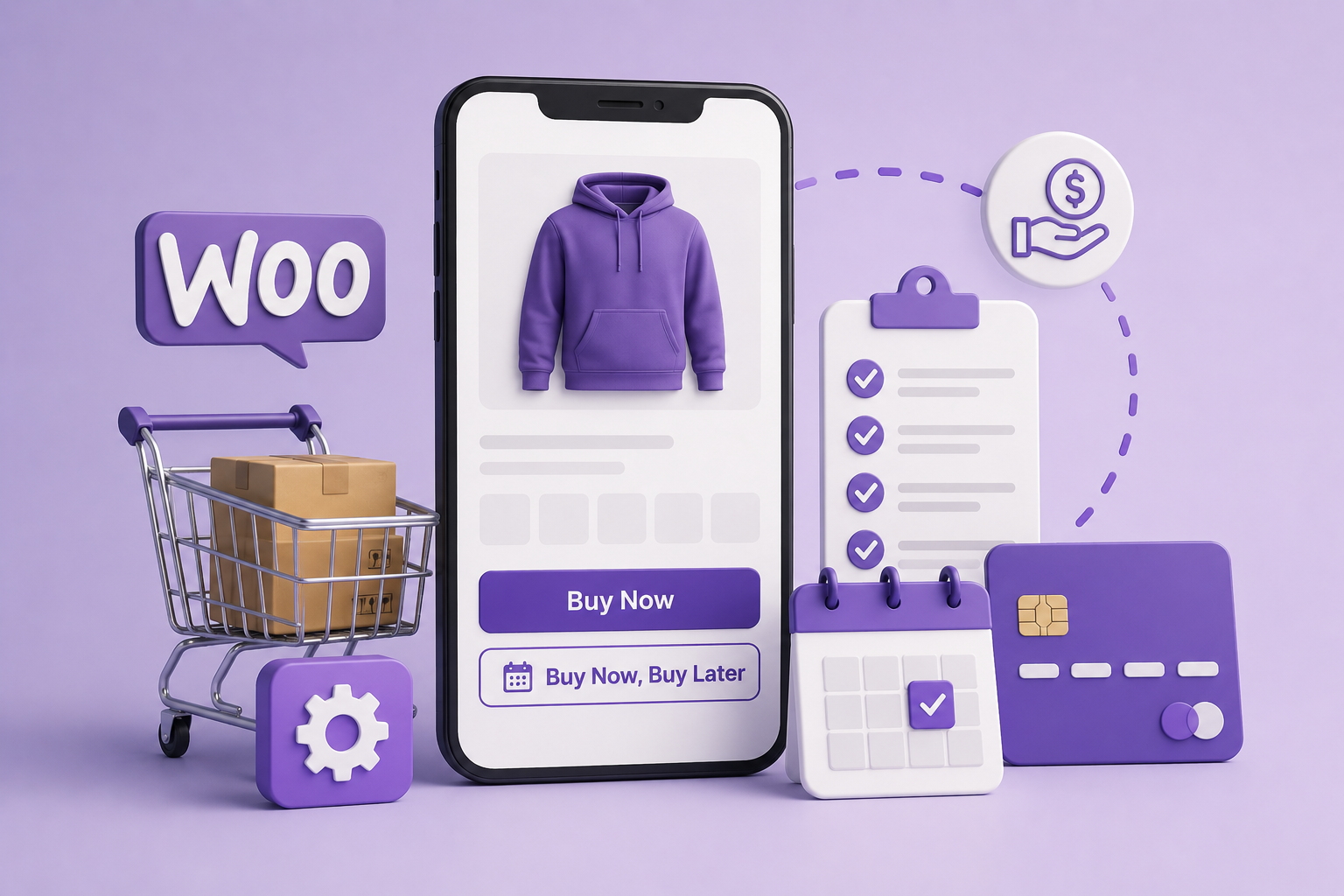
“Buy it Later” allows customers to:
- Save items for future purchase
- Move items out of cart temporarily
- Return later and complete checkout
It bridges the gap between browsing and buying
The Easy Solution: Buy it Later for WooCommerce
Using:
👉 Buy it Later for WooCommerce
You can:
- Add “Buy Later” button
- Let customers save products
- Improve return purchases
Key Features
✅ Save Products for Later
Customers can move items from cart to “Buy Later” list
✅ Reduce Cart Abandonment
Users don’t need to remove items — just save them
✅ Easy Restore to Cart
Customers can bring items back instantly
✅ Better Shopping Experience
Flexible buying journey
✅ Works Seamlessly with Checkout
No disruption in purchase flow
Step-by-Step Setup
Step 1: Install the Plugin
Install Buy it Later for WooCommerce
Step 2: Enable “Buy Later” Option
Add button on:
- Cart page
- Product page (optional)
Step 3: Customize Settings
Decide:
- Where button appears
- Label text
Step 4: Test User Flow
- Add product to cart
- Move to “Buy Later”
- Restore and checkout
Best Practices
1. Make It Visible
Ensure “Buy Later” button is easy to find
2. Use Clear Text
Example:
- “Save for Later”
- “Buy Later”
3. Combine with Reminders
Follow up with emails for saved items
4. Keep It Simple
Avoid overcomplicating UX
Real Use Cases
🛒 Fashion Stores
Customers save items for later purchase
📱 Electronics
Users compare before buying
🎁 Gift Stores
Plan purchases for future dates
🏬 General Stores
Encourage repeat visits
Benefits for Store Owners
📉 Reduce Cart Abandonment
🔁 Increase Return Visits
💰 Improve Conversions
😊 Better User Experience
Frequently asked questions
Q: Does WooCommerce have Buy Later feature by default?
A : No, you need a plugin.
Q: Can customers save products for later?
A: Yes, using this plugin.
Q: Does it reduce cart abandonment?
Q: Can users move items back to cart?
Q: Is it useful for all stores?
A: Yes, especially for products requiring decision time.