
How to Allow Multiple Shipping Addresses in WooCommerce (Step-by-Step Guide)
-
By Xpert Admin
- •
One of the most common limitations in WooCommerce checkout is this:
Customers can only ship an order to one address at a time.
But what if your customer wants to:
- Send gifts to multiple people?
- Deliver items to different locations?
- Split bulk orders across addresses?
By default, WooCommerce doesn’t support this.
And that leads to:
- Frustration during checkout
- Multiple orders instead of one
- Lost sales opportunities
In this guide, you’ll learn how to enable multiple shipping addresses in WooCommerce and create a smoother, more flexible checkout experience.
Why Multiple Shipping Addresses Matter
Modern eCommerce is no longer “one order = one address”.
Customers expect flexibility.
Common real-world scenarios:
🎁 Gifting
- Sending products to friends/family in different locations
🏢 Corporate Orders
- Delivering items to multiple employees or branches
📦 Bulk Purchases
- Splitting items across warehouses or stores
👨👩👧 Family Orders
- Ordering for multiple household members
Without this feature, customers are forced to:
❌ Place multiple orders
❌ Repeat checkout steps
❌ Enter details again and again
Result: Poor experience + higher drop-offs
Default WooCommerce Limitation
Out of the box, WooCommerce:
- Supports only one shipping address per order
- Doesn’t allow splitting items across addresses
- Doesn’t save multiple addresses per user
So even if a customer wants flexibility — they can’t get it.
What Is Smart Address Management?
Smart address management allows customers to:
- Save multiple shipping addresses
- Select different addresses during checkout
- Assign products to different delivery locations
This transforms checkout into a more personalized and efficient experience.
The Easy Solution: Smart Addresses for WooCommerce
Instead of using complex custom development, you can use:
👉 Smart Addresses for WooCommerce
This plugin enables:
- Multiple address saving
- Multi-location delivery in a single order
- Better checkout flexibility
Key Features That Improve User Experience
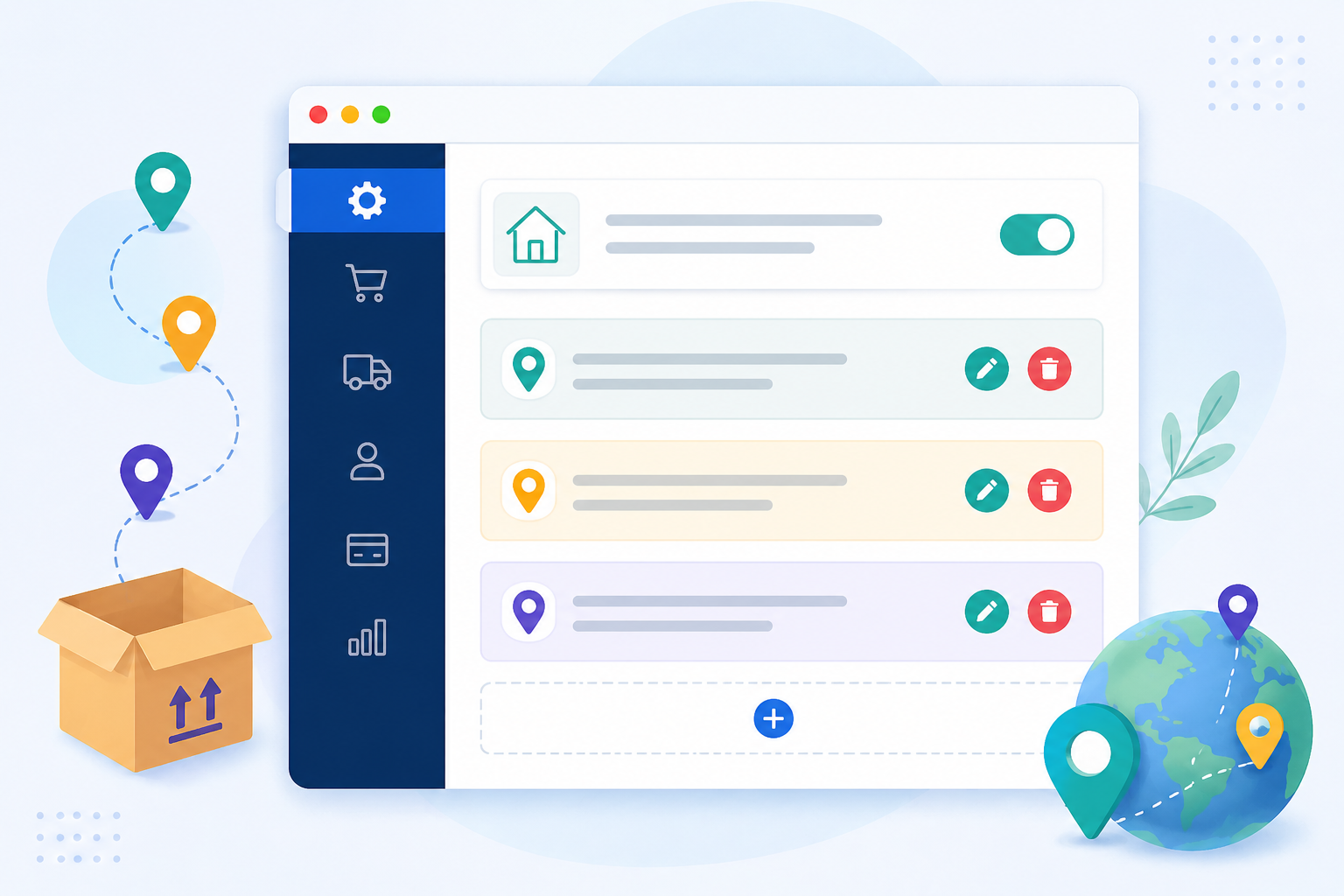
Save Multiple Addresses
Customers can store:
- Home
- Office
- Friends/family addresses
No need to re-enter details every time.
Deliver to Multiple Locations in One Order
Customers can:
- Assign different products to different addresses
- Complete checkout in one go
Perfect for Gifting
Instead of placing multiple orders:
One order → multiple deliveries
This is especially useful during:
- Festivals
- Holidays
- Special occasions
Faster Checkout Process
Saved addresses = fewer steps
Fewer steps = better conversions
Better Customer Convenience
The easier your checkout, the more likely customers will complete their purchase.
Step-by-Step: Enable Multiple Shipping Addresses
Step 1: Install the Plugin
Install Smart Addresses for WooCommerce from your WordPress dashboard.
Step 2: Enable Address Management
Once activated:
- Allow users to save multiple addresses
- Enable multi-shipping functionality
Step 3: Configure Checkout Options
Set rules like:
- Allow multiple deliveries per order
- Assign products to addresses
Step 4: Test the Experience
Before going live:
- Add multiple products
- Assign different addresses
- Complete checkout
Ensure everything works smoothly.
Best Practices for Multi-Address Checkout
1. Keep It Simple
Don’t overwhelm users with too many options.
2. Use Clear Labels
Example:
- “Deliver to this address”
- “Add new address”
3. Optimize for Mobile
Most users will use this on mobile — keep UI clean.
4. Save Addresses Automatically
Make repeat purchases faster.
Benefits for Store Owners
This isn’t just about convenience — it impacts your business.
📈 Increase Order Value
Customers can buy for multiple people in one order.
🔁 Encourage Repeat Purchases
Saved addresses make reordering easier.
😊 Improve Customer Satisfaction
Flexible checkout = happier customers.
💰 Reduce Cart Abandonment
Less friction → more completed orders
Who Should Use This Plugin?
This is ideal for:
- Gift stores
- Corporate suppliers
- Multi-location businesses
- Subscription box services
- Bulk order stores
Real Example
Imagine a customer buying gifts for 5 friends.
Without Smart Addresses:
- 5 separate orders
- 5 checkouts
- Frustration
With Smart Addresses:
- 1 order
- 5 addresses
- Smooth experience
Which one do you think converts better?
Frequently asked questions
Q: Can WooCommerce support multiple shipping addresses by default?
A: No, WooCommerce only supports one shipping address per order. You need a plugin to enable multi-address delivery.
Q: Can customers save multiple addresses?
A: Yes, with Smart Addresses for WooCommerce, users can save and reuse multiple shipping addresses.
Q: Is it possible to ship different products to different addresses?
A: Yes, customers can assign products to different addresses within a single order.
Q: Does this improve checkout speed?
A: Yes, saved addresses and flexible delivery options reduce checkout time.
Q: Is this useful for gift stores?
A: Absolutely. It’s one of the best use cases for multi-address shipping.